
Will be Available soon for Android

Create Stunning
Photo Collages
in Seconds

Professional print-ready collages, passport photos, ID layouts — powered by AI background removal. Precision meets creativity.

0+ Templates
0 Export Formats
0 DPI Print Quality
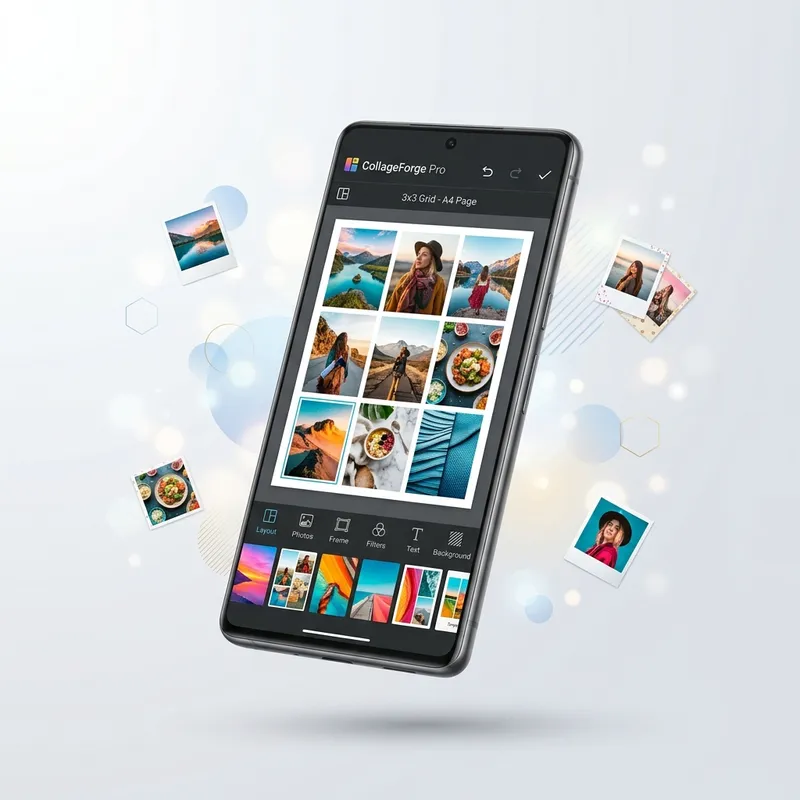
CollageForge Pro app interface showing professional photo collage editor
100% On-Device Processing
No Account Required
No Data Collection
Made by ToolBoxesAi

Everything You Need to Create
Professional Collages

From passport photos to artistic layouts — one app handles it all with precision and style.

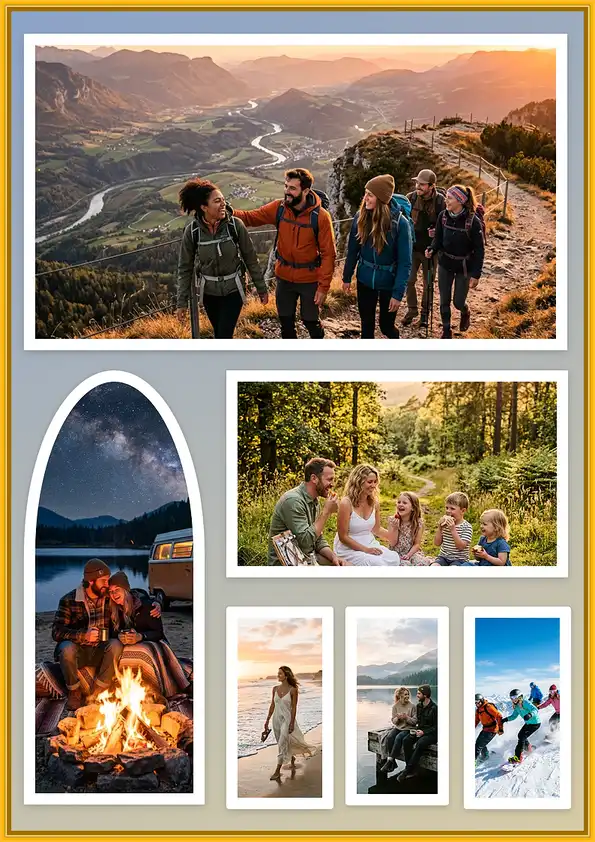
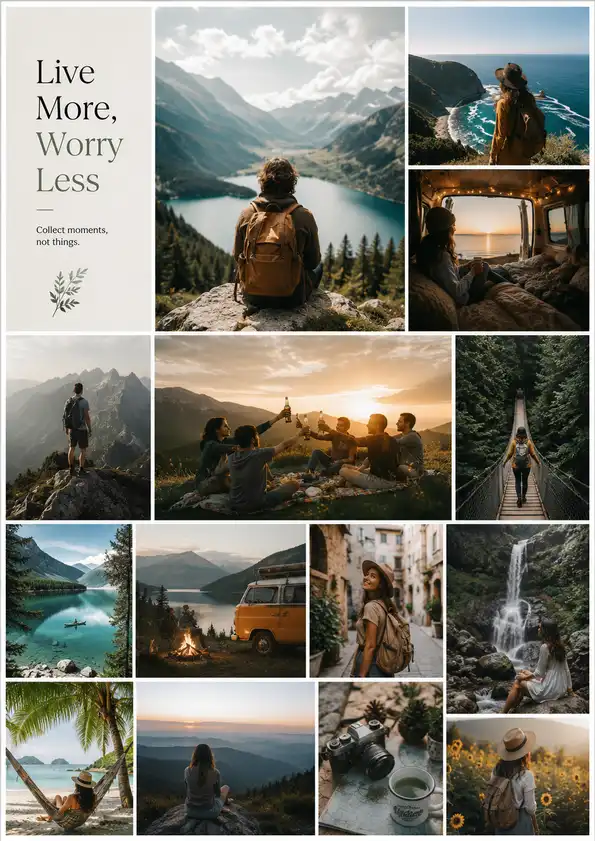
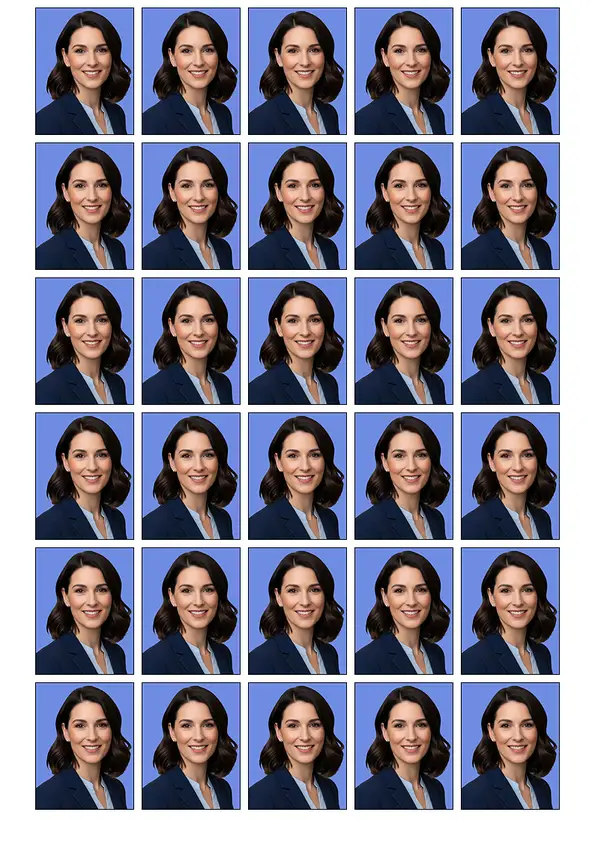
Multiple collage template layouts showing grids and passport photo arrangements

Print-Ready Layouts

A4, Letter, and custom page sizes with pixel-perfect precision. Create passport photos, ID cards, visa prints, and standard photo sizes — all dimensionally accurate for professional printing.

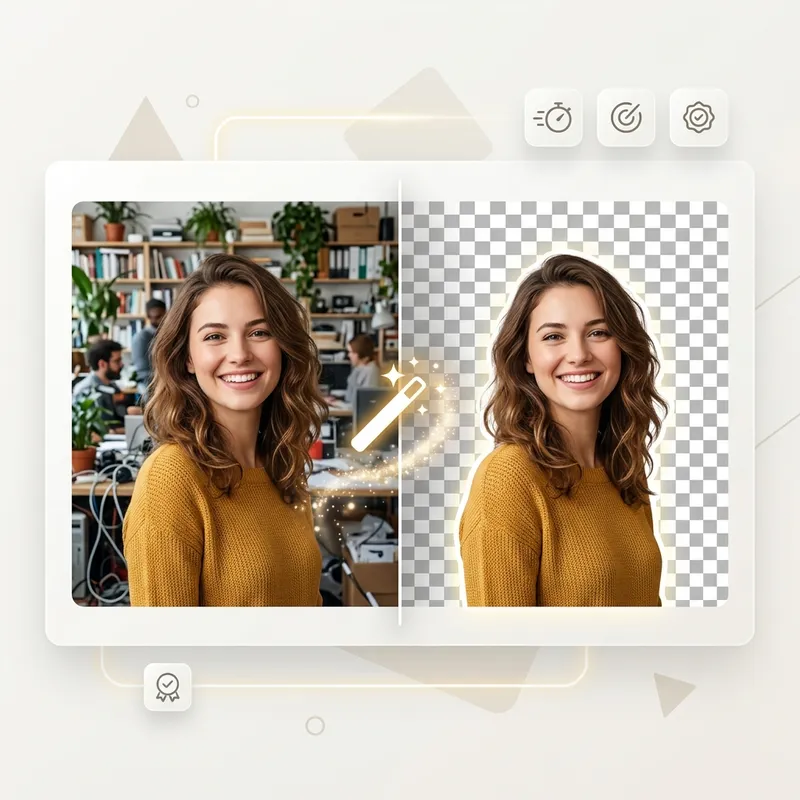
AI Background Removal

Remove backgrounds from photos in one tap. Choose Standard for speed or Pro for detailed edge-perfect cutouts — all processing happens on your device.

AI-powered background removal showing before and after comparison

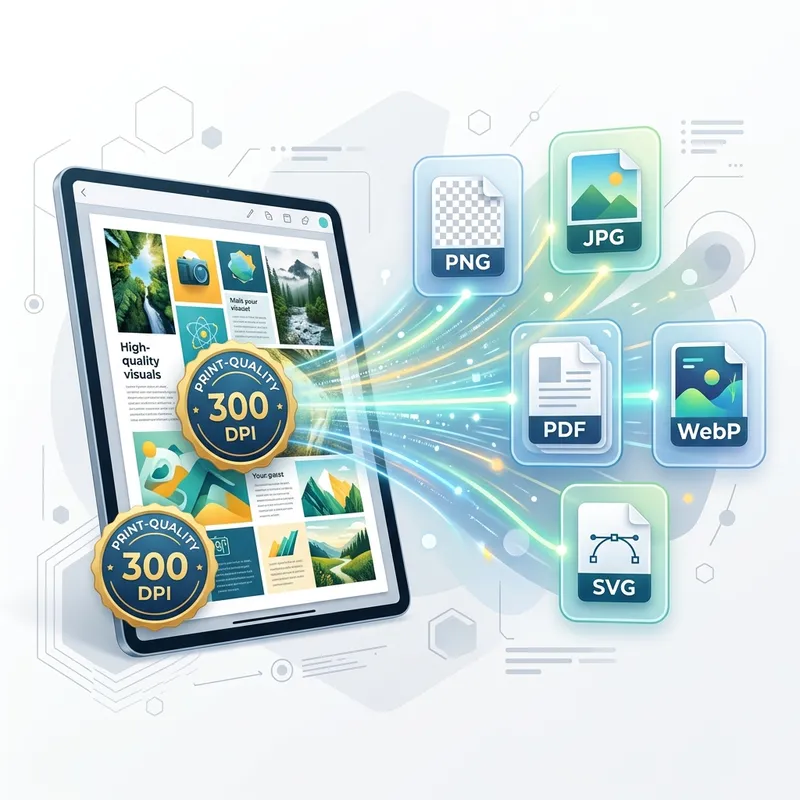
High-Res Export

Export at full 300 DPI resolution in PNG, JPG, and PDF. Print shops, photo labs, and professional services — your collages are ready for any output.

High resolution export showing multiple format options PNG JPG PDF

50+ Templates

Smart auto-arrangement with one-click grid cloning for batch layouts. Templates for every occasion.

Advanced Editing

Crop, rotate, flip, borders, gradients, text overlays, and more. Full creative control at your fingertips.

Privacy First

All processing on-device. No cloud uploads, no tracking, no accounts. Your photos never leave your phone.

From Photos to Print
in Three Steps

No learning curve. No sign-ups. Just open, create, and export.

Choose & Add Photos

Pick a page size and template, then add your photos from gallery or camera. Smart arrangement fills your layout instantly.

Edit & Perfect

Drag, resize, crop, rotate. Remove backgrounds with AI. Add borders, gradients, and text. Fine-tune every detail.

Export & Print

Save as PNG, JPG, or PDF at full 300 DPI. Share directly or send to your favorite print service.

Built for Every
Photo Project

From official documents to free-form creative work — templates, AI cutouts, and full custom design in one place.

Passport Photos

Standard passport sizes for every country. Perfect alignment and spacing for official submissions.

ID Card Layouts

Driver's license, student ID, employee badge — precise dimensions for any identification document.

Photo Prints

4×6, 5×7, 8×10, and wallet sizes. Arrange multiple photos on a single page for cost-effective printing.

Premium Templates

50+ ready-made layouts — grids, polaroid styles, magazine spreads, and print sheets. Pick a template and drop in your photos.

AI Background Removal

Remove backgrounds from portraits or any subject in one tap — clean edges for IDs, product shots, and collage cutouts, fully on-device.

Custom Design Collages

Build free-form layouts your way — drag, resize, layer, and style every frame for a polished, professional look.

Artistic Collages

Borders, text overlays, gradient backgrounds, and creative compositions for stories, gifts, and social posts.

Batch Layouts

One-click grid cloning fills an entire page with the same photo. Perfect for bulk printing jobs.

Visa Applications

Country-specific photo requirements with correct dimensions, head size ratios, and white backgrounds.

Who Can Use
CollageForge Pro

Free for Android. Built for creators, travelers, students, and print shops who need accurate layouts on the go.

Who it’s for

  • Travelers & applicants

    Passport, visa, and ID photo sheets with print-ready sizes.

  • Students & families

    School IDs, batch prints, scrapbook-style collages in minutes.

  • Creators & print shops

    A4/Letter pages, high-res PNG, JPG, and PDF export, plus grid cloning.

  • Anyone who values privacy

    Photo editing stays on your device — no account required to create.

Device requirements

Platform Android phones & tablets
Supported versions Android 7 to Android 16
Approx. size ~25 MB
Price Free
Account Not required
Made by ToolBoxesAi
Will Be Available on Google Play

Permissions explained

Permissions are requested only when needed. You can deny any optional access; related features simply stay unavailable until allowed.

Camera

Optional. Take a new photo and drop it straight into your collage when you want.

Photos & gallery

Pick pictures from your gallery and save finished collages back to your phone when you export.

Files on older phones

On some older Android versions, needed only so you can open photos and save your exports.

Internet

Required for advanced features — for example smoother exports and improved background removal. Your collage photos are never uploaded to server .

Gentle vibration

Light feedback while you select and edit. You can turn this off anytime in Settings.

Your photos stay private

Your pictures and collages stay on your phone. Editing happens on your device so you stay in control.

Frequently Asked
Questions

Is CollageForge Pro really free?

Yes. CollageForge Pro is completely free to download and use. All core features including templates, editing tools, and export are available at no cost.

Are my photos uploaded to any server?

Absolutely not. All photo processing — including AI background removal — happens entirely on your device. No photos, collages, or personal data ever leave your phone.

What photo sizes can I create?

CollageForge Pro supports A4, US Letter, and custom page sizes. For individual photos: passport sizes (all countries), wallet, 4×6, 5×7, 8×10, and more. All dimensions are print-accurate at 300 DPI.

What export formats are supported?

You can export your collages as PNG (lossless), JPG (compact), and PDF (document). All exports support up to 300 DPI for professional print quality.

How does AI background removal work?

CollageForge Pro features smart AI to remove backgrounds instantly without an internet connection. Fast Mode is perfect for quick selfies and human portraits. Pro Mode is a powerful all-rounder that provides detailed, edge-perfect cutouts for absolutely anything—from products to pets.

Can I use this for official documents?

Yes. CollageForge Pro is designed with precise dimensions for passport photos, visa applications, ID cards, and other official documents. Always verify specific requirements with your local authority.